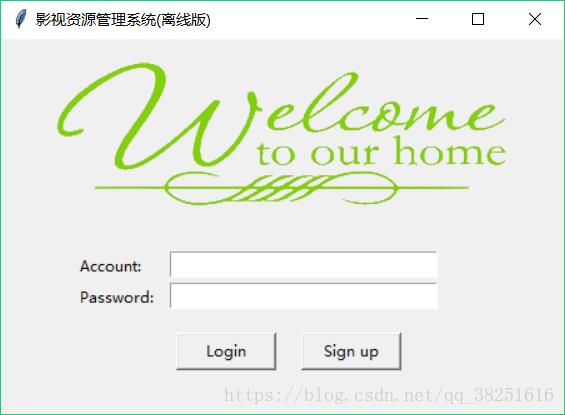
Python弹出输入框并获取输入值的实例
使用自带的Tkinter模块,简单的弹输入框示例,返回输入值
from Tkinter import *
import tkMessageBox


def getInput(title, message):
  def return_callback(event):
    print('quit...')
    root.quit()
  def close_callback():
    tkMessageBox.showinfo('message', 'no click...')
  root = Tk(className=title)
  root.wm_attributes('-topmost', 1)
  screenwidth, screenheight = root.maxsize()
  width = 300
  height = 100
  size = '%dx%d+%d+%d' % (width, height, (screenwidth - width)/2, (screenheight - height)/2)
  root.geometry(size)
  root.resizable(0, 0)
  lable = Label(root, height=2)
  lable['text'] = message
  lable.pack()
  entry = Entry(root)
  entry.bind('<Return>', return_callback)
  entry.pack()
  entry.focus_set()
  root.protocol("WM_DELETE_WINDOW", close_callback)
  root.mainloop()
  str = entry.get()
  root.destroy()
  return str
以上这篇Python弹出输入框并获取输入值的实例就是小编分享给大家的全部内容了,希望能给大家一个参考,也希望大家多多支持【听图阁-专注于Python设计】。