用python实现对比两张图片的不同
from PIL import Image
from PIL import ImageChops
def compare_images(path_one, path_two, diff_save_location):
  """
  比较图片,如果有不同则生成展示不同的图片
  @参数一: path_one: 第一张图片的路径
  @参数二: path_two: 第二张图片的路径
  @参数三: diff_save_location: 不同图的保存路径
  """
  image_one = Image.open(path_one)
  image_two = Image.open(path_two)
  try:
    diff = ImageChops.difference(image_one, image_two)
    if diff.getbbox() is None:
    # 图片间没有任何不同则直接退出
      print("【+】We are the same!")
    else:
      diff.save(diff_save_location)
  except ValueError as e:
    text = ("表示图片大小和box对应的宽度不一致,参考API说明:Pastes another image into this image."
        "The box argument is either a 2-tuple giving the upper left corner, a 4-tuple defining the left, upper, "
        "right, and lower pixel coordinate, or None (same as (0, 0)). If a 4-tuple is given, the size of the pasted "
        "image must match the size of the region.使用2纬的box避免上述问题")
    print("【{0}】{1}".format(e,text))
if __name__ == '__main__':
  compare_images('1.png',
          '2.png',
          '我们不一样.png')
执行结果:
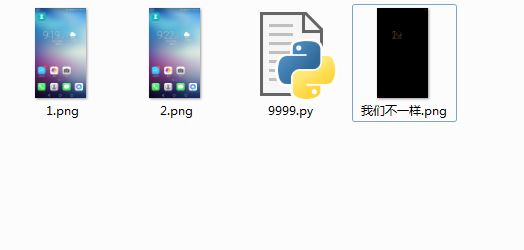
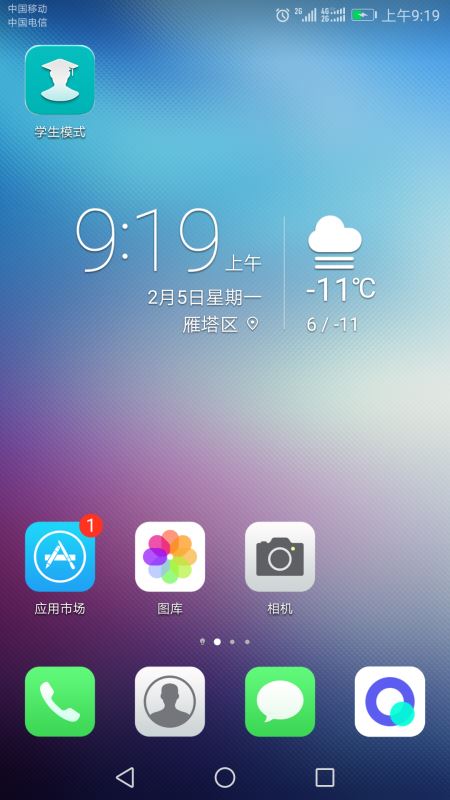
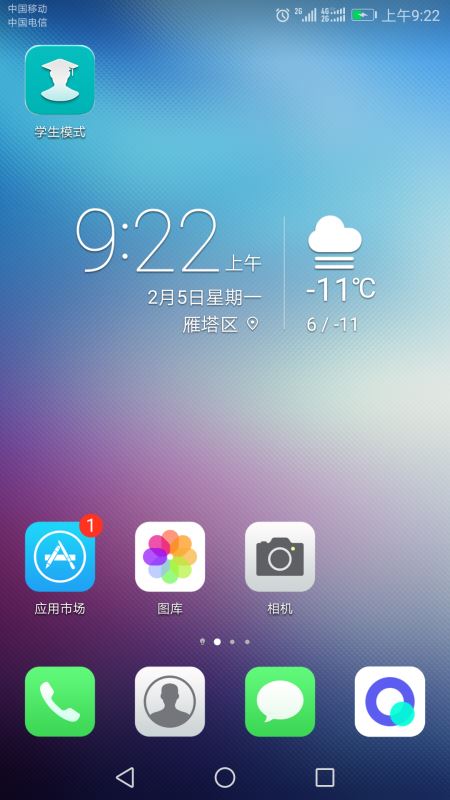
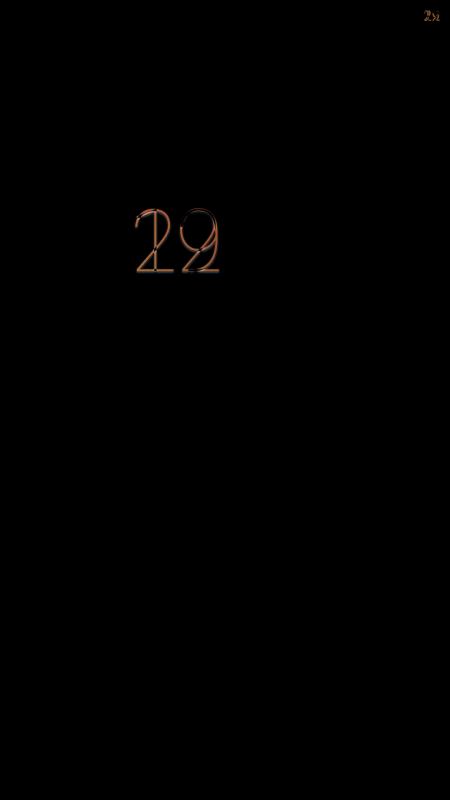
第二种方法:
from PIL import Image
import math
import operator
from functools import reduce
def image_contrast(img1, img2):
  image1 = Image.open(img1)
  image2 = Image.open(img2)
  h1 = image1.histogram()
  h2 = image2.histogram()
  result = math.sqrt(reduce(operator.add, list(map(lambda a,b: (a-b)**2, h1, h2)))/len(h1) )
  return result
if __name__ == '__main__':
  img1 = "./1.png" # 指定图片路径
  img2 = "./2.png"
  result = image_contrast(img1,img2)
  print(result)
如果两张图片完全相等,则返回结果为浮点类型“0.0”,如果不相同则返回结果值越大。
同样用上面两张图片,执行结果为38,还是比较小的:
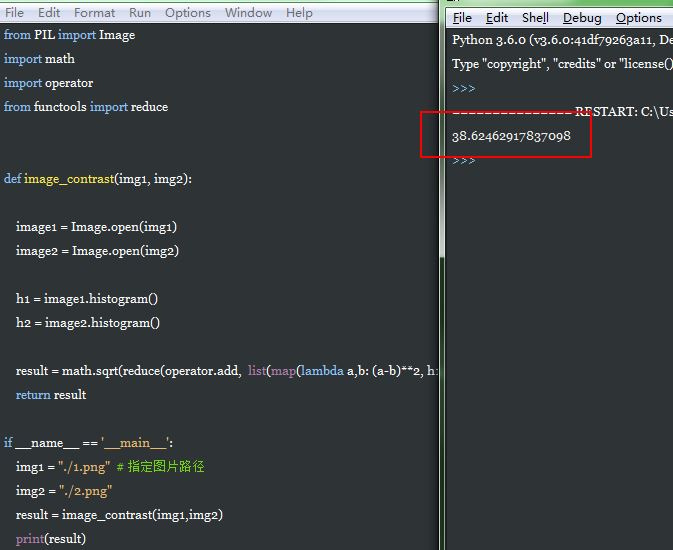
这样就可以在自动化测试用例中调用该方法来断言执行结果。
关于Pillow库的详细文档:
http://pillow.readthedocs.org/en/latest/index.html
总结
以上所述是小编给大家介绍的用python实现对比两张图片的不同,希望对大家有所帮助,如果大家有任何疑问请给我留言,小编会及时回复大家的。在此也非常感谢大家对【听图阁-专注于Python设计】网站的支持!
